
Use the walkthrough to remove guesswork
A walkthrough turns a general request into instructions a crew can actually use on site.
Start with the real-use areas of the property, then work outward to the spots that affect crew access, seasonal timing, and tenant or customer experience.
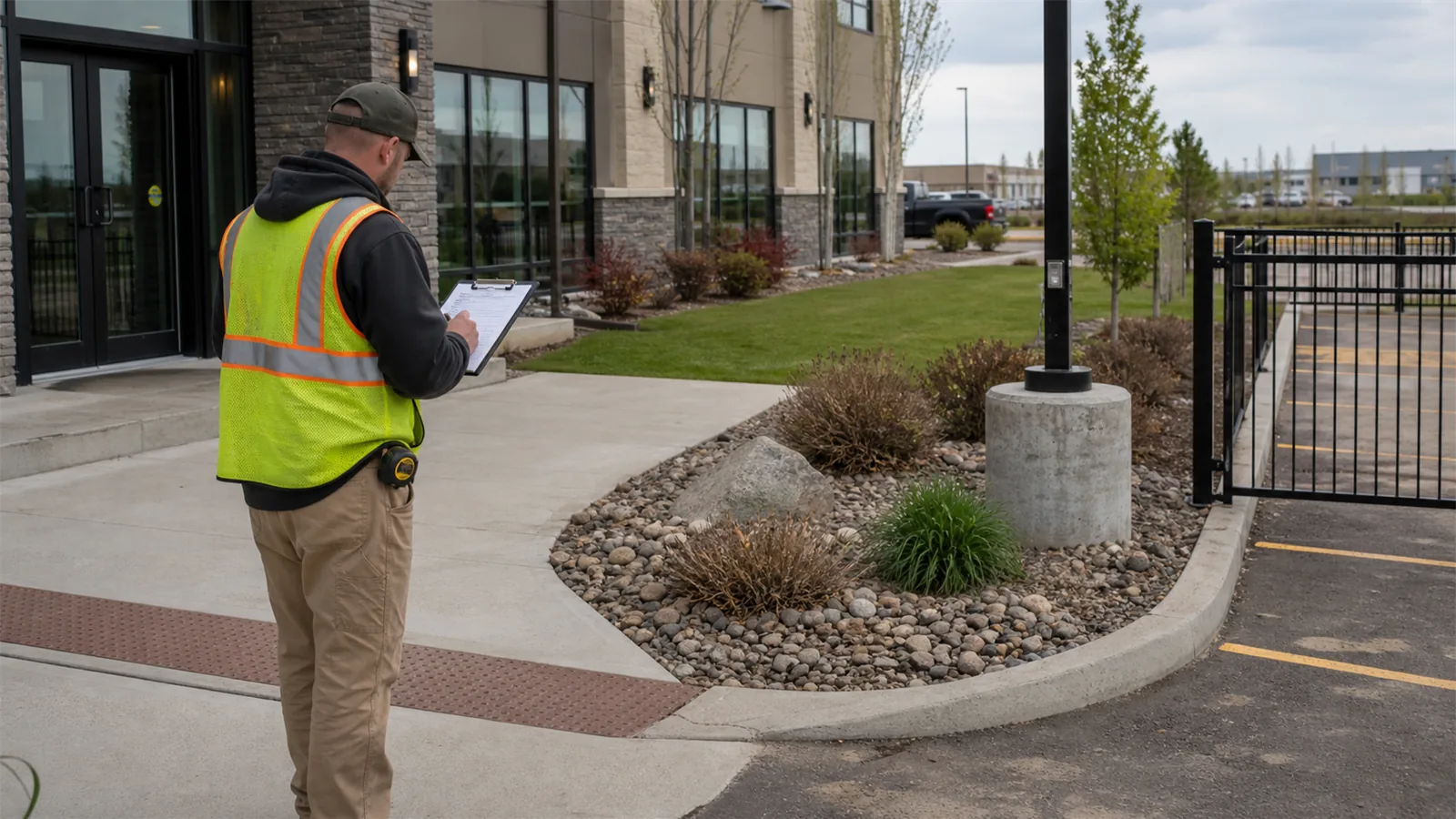
- Walk entrances, turf, beds, obstacles, gates, parking, drainage, tenant areas, and high-visibility edges
- Look for missed hazards, unclear priorities, wrong equipment, incomplete scope, and preventable service delays
- Note whether the issue is urgent, seasonal, or recurring

Review access, hazards, and finish standards
A useful review does not stop at appearance. It also checks how vehicles move, how people enter, how weather changes the surface, and where crews may lose time.
For this topic, pay special attention to access, hazards, entrances, beds, turf, parking, drainage, tenant routes, and high-visibility edges.
- Check the customer, tenant, staff, or crew path
- Compare wide site views with close detail areas
- Mark places where the condition repeats after weather, traffic, or service visits
Confirm what crews need to know
After the site review, sort the work into reset items, recurring maintenance, seasonal planning, and anything that may need special access or follow-up. That keeps the estimate focused on the actual property instead of a generic service list.
- Reset work for areas that have already fallen behind
- Recurring care for conditions that will return without routine visits
- Seasonal timing for before first service, after major seasonal changes, or when a property has complex access
What to look at before you book
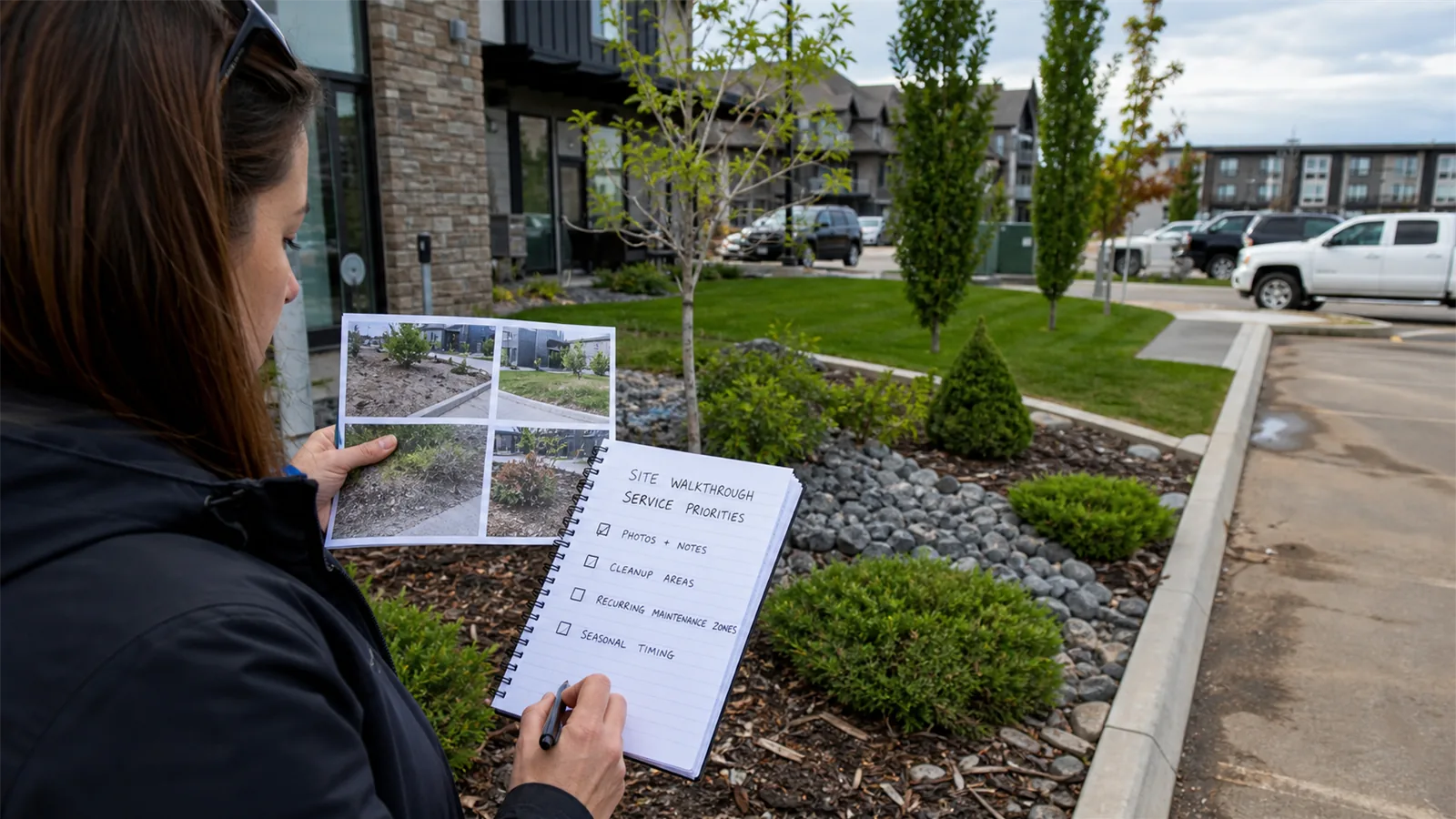
Before this turns into a quote request, walk the site the same way a tenant, customer, employee, or crew member would use it. The useful details are often practical: where people enter, where vehicles stack up, where snow or debris collects, and which areas look neglected first.
Use that pass to connect the visible condition to timing, access, service frequency, and the kind of exterior maintenance LawnSharks should price.
Turn walkthrough notes into a usable scope
The best request gives LawnSharks enough detail to understand the site before pricing the work. A few clear photos and short notes can prevent extra back-and-forth and make a walkthrough more productive if one is needed.
- Send wide photos for layout, access, and scale
- Send close photos showing missed hazards, unclear priorities, wrong equipment, incomplete scope, and preventable service delays
- Include timing, business-hour, tenant, parking, gate, and seasonal constraints
Use one wide photo for the whole area and close photos for the details that affect time, access, or finish standard.
Add timing, tenant concerns, business hours, parking limits, gates, and any seasonal pressure that changes the work.
